How to Program Your Garage Door Remote | A to Z Garage Door Repair in Woodburn, OR
Programming your garage door remote doesn't have to be a daunting task. With our comprehensive guide from A to Z Garage Door Repair, you'll have your remote set up in no time.
Introduction
Programming your garage door remote can seem intimidating at first, but it’s actually a straightforward process that many homeowners can handle on their own. At A to Z Garage Door Repair in Woodburn, OR, we understand that a well-functioning garage door remote is essential for daily convenience and security. In this guide, we’ll walk you through the process step-by-step, along with some troubleshooting tips and maintenance suggestions for your garage door system.
Understanding Your Garage Door Remote
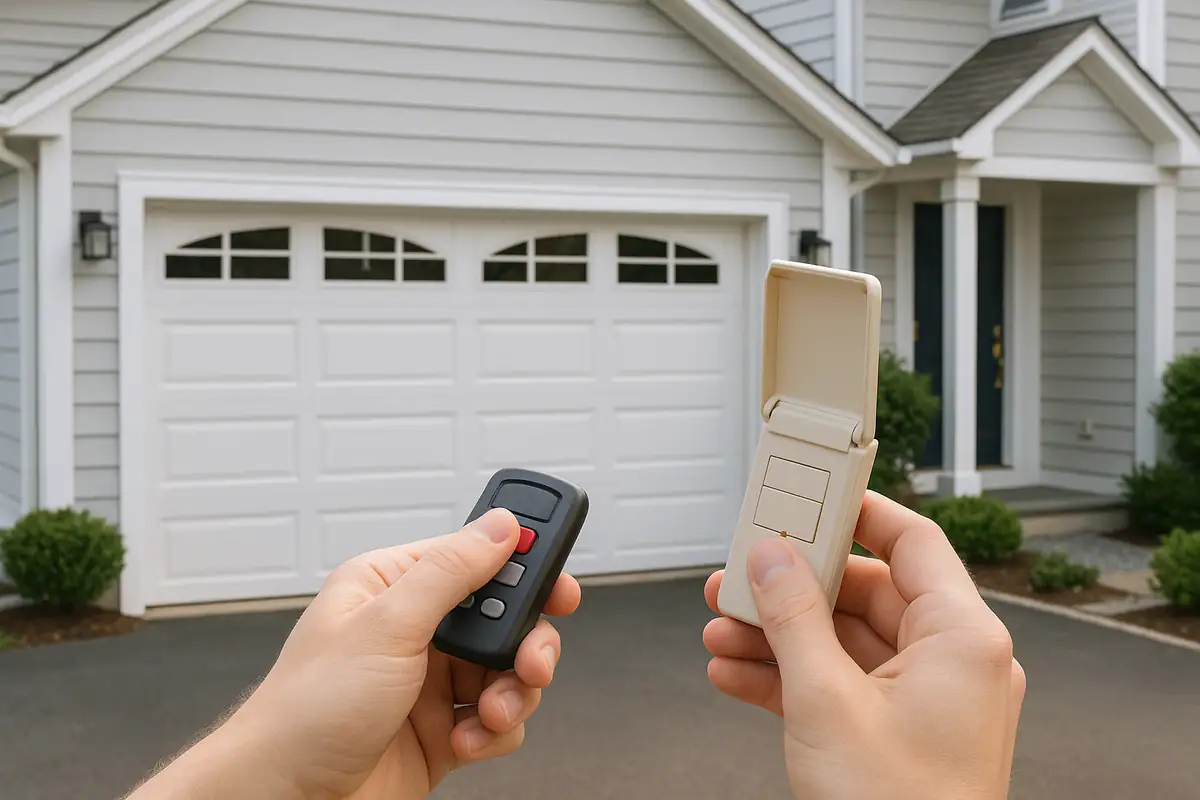
Before diving into the programming process, it's important to understand the different components involved. Garage door remotes typically come with various features, including:
- Single-Button Remotes: These allow you to open or close your garage door with one click.
- Multi-Button Remotes: These can control multiple garage doors or even gate systems.
- Smart Remotes: These connect to your smartphone or home automation system, adding convenience and functionality.
Common Remote Brands
Some popular garage door remote manufacturers include:
- Chamberlain
- LiftMaster
- Genie
- Wayne Dalton
Knowing your remote brand can make it easier to find programming instructions specific to your device.
Step-by-Step Guide to Programming Your Garage Door Remote
Now that you have a basic understanding of your remote, let’s get into the nitty-gritty of programming it. Follow these steps for most standard garage door remotes:
1. Gather Necessary Tools
You typically won't need many tools, but it can be helpful to have:
- Your garage door remote
- Your garage door opener unit (located in your garage)
- A step ladder (if needed)
2. Locate the Programming Button
To program your remote, you’ll need to find the "Learn" or "Program" button on your garage door opener. This button is usually located on the back or side of the motor unit.
3. Clear Existing Codes (if necessary)
Before adding a new remote, you may want to clear old codes:
- Press and hold the "Learn" button until the LED light turns off (about six seconds).
- This will erase all remote codes, so any previously programmed remotes will need to be reprogrammed.
4. Program Your Remote
Follow these steps to program your remote:
- Press the "Learn" button on the garage door opener. The LED light should turn on.
- Within 30 seconds, press and hold the button on your remote that you want to program.
- Once the garage door opener lights blink, you’ve successfully programmed the remote!
5. Test Your Remote
After programming, make sure to test your remote by pressing the button to open or close your garage door. If it doesn’t work:
- Double-check the programming steps.
- Ensure that your remote has fresh batteries.
Troubleshooting Common Issues
If you're having difficulties programming your garage door remote, consider these potential problems:
Dead Batteries
The most common issue is dead batteries in the remote. Replace them and try programming again.
Interference
Other electronic devices can interfere with the signal. Make sure there are no obstructions between your remote and the garage door opener.
Distance
If you're too far away from the garage door opener, it may not register the remote signal. Stand closer and try again.
Maintaining Your Garage Door System
Keeping your garage door system in good condition can prevent future issues. Here are a few maintenance tips:
- Inspect the door for any damage such as dents or rust.
- Lubricate the moving parts such as rollers and hinges at least once a year.
- Test the door's safety features, like the auto-reverse function, to ensure they work correctly.
When to Call a Professional
While many homeowners can handle programming their remote, sometimes issues arise that require professional help. Consider reaching out to A to Z Garage Door Repair in Woodburn, OR, if:
- Your garage door does not respond to the remote at all.
- There are mechanical sounds that suggest a malfunction.
- You’re unsure about how to access or operate the garage door opener unit.
Conclusion
Programming your garage door remote is a manageable task that can save you time and hassle. By following our step-by-step guide, you can quickly set up your remote and enjoy the convenience of effortless garage access. If you encounter any issues or prefer professional assistance, don’t hesitate to contact A to Z Garage Door Repair in Woodburn, OR. We’re here to help you with all your garage door needs!
Explore More Resources
Related Articles
Service Areas
We proudly serve Woodburn, West Woodburn, Gervais, Hubbard, McKee and more areas.
Our Services
Professional garage door repair, spring repair, opener installation and more. View all services →