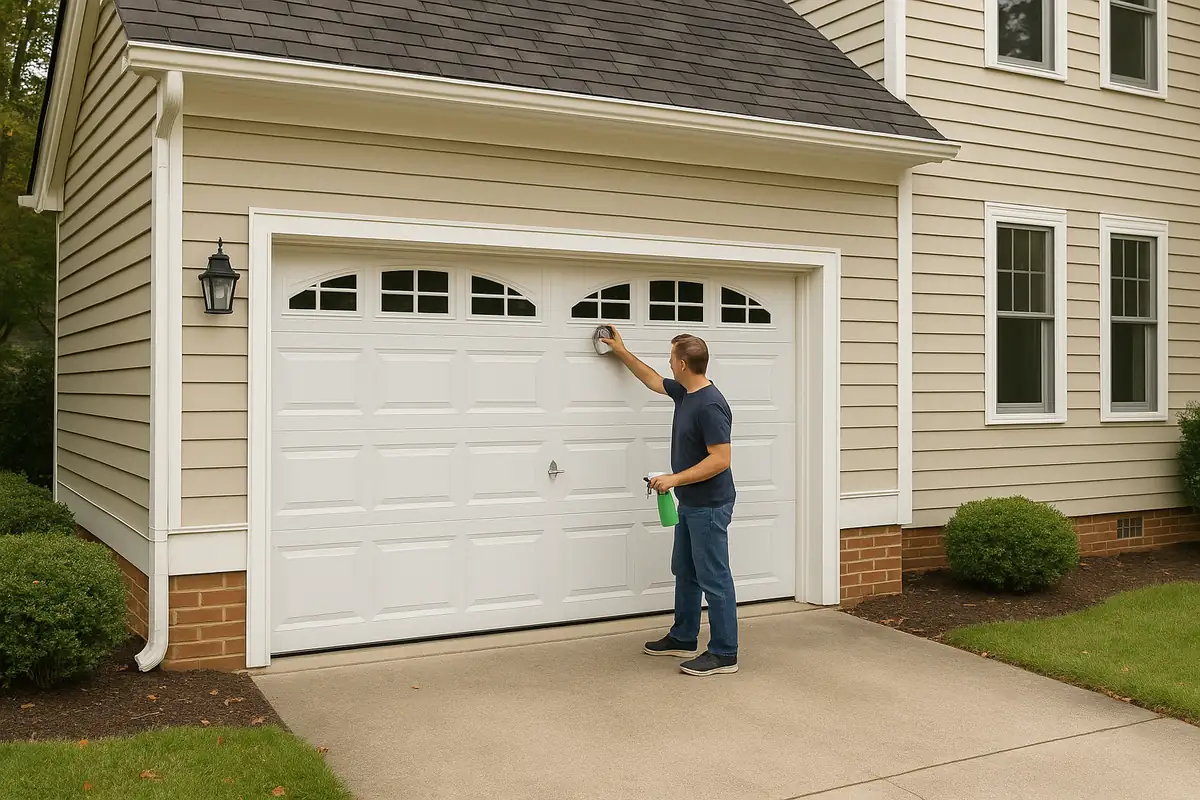
How to Program Your Garage Door Remote: A Complete Guide by A to Z Garage Door Repair in Woodburn, OR
Struggling with your garage door remote? Our comprehensive guide from A to Z Garage Door Repair will walk you through programming your remote effortlessly!

Introduction
Having trouble with your garage door remote? You’re not alone! Many homeowners in Woodburn, OR face challenges when programming their garage door remotes. Whether you’ve just purchased a new remote or need to reset an existing one, this guide from A to Z Garage Door Repair will provide you with all the information you need to program your garage door remote like a pro.
Understanding Your Garage Door Remote
Before diving into the programming process, it’s essential to understand how your garage door remote works. Most garage door openers operate on radio frequency, sending a signal to the garage door opener when you press a button. Here are the common components:
- Transmitter: The remote itself, which sends the signal.
- Receiver: Installed in your garage door opener to receive the signal.
- Power Source: Typically, batteries power your remote.
Why You May Need to Program Your Garage Door Remote
There are several reasons you might need to program your garage door remote:
- New Remote: You’ve lost your old remote and purchased a replacement.
- New Garage Door Opener: You’ve upgraded to a new opener that requires reprogramming.
- Security Reasons: You want to reset the remote after losing it or if it's been stolen.
Step-by-Step Guide to Programming Your Garage Door Remote
Follow these steps to program your garage door remote successfully:
Step 1: Gather Your Tools
Before you begin, ensure you have:
- Your new or existing garage door remote.
- Your garage door opener model number (usually found in the manual or on the unit).
- A step ladder (if needed, to access the garage door opener).
Step 2: Locate the Learn Button
Most garage door openers have a Learn Button. It’s typically located on the back or side of the motor unit. Here’s how to find it:
- Climb your step ladder to reach the garage door opener if necessary.
- Look for a small, usually colored button (often purple, orange, red, or yellow).
Step 3: Clear Old Codes (if necessary)
If you’re replacing an existing remote, you may want to delete old codes first:
- Press and hold the Learn Button until the light turns off (usually takes about 6 seconds).
- Release the button, and all previous codes will be cleared.
Step 4: Program Your Remote
Now it’s time to program your remote:
- Press the Learn Button on the garage door opener. The indicator light will turn on.
- Within 30 seconds, press and hold the button on your remote that you want to use.
- Release the button when the garage door opener light blinks or clicks, indicating it has accepted the code.
Step 5: Test Your Remote
After programming, it’s crucial to test the remote to ensure it works:
- Step away from the garage door.
- Press the button on your remote. The garage door should open or close.
Troubleshooting Common Issues
If your remote doesn’t work after programming, consider these troubleshooting steps:
- Check Batteries: Ensure the remote batteries are fresh and installed correctly.
- Verify Distance: Stand closer to the garage door opener while testing.
- Reset the Opener: If the remote still fails, consider resetting the opener and reprogramming.
When to Call a Professional
While programming your garage door remote is usually a straightforward task, there are situations where it’s best to consult a professional:
- Persistent Issues: If you continually have trouble programming or using the remote.
- Garage Door Malfunctions: If your garage door isn’t responding at all.
- Electrical Issues: If you suspect a problem with the opener’s power source or wiring.
Conclusion
Programming your garage door remote can seem daunting, but with this step-by-step guide, you should be able to do it confidently. Remember that if you encounter any difficulties or prefer a professional touch, A to Z Garage Door Repair in Woodburn, OR is here to help. Our expert technicians are just a call away!
If you're ready to upgrade your garage door or need a repair, feel free to contact us today for a consultation!
Explore More Resources
Related Articles
Service Areas
We proudly serve Woodburn, West Woodburn, Gervais, Hubbard, McKee and more areas.
Our Services
Professional garage door repair, spring repair, opener installation and more. View all services →
Seasonal Garage Door Maintenance Checklist: Keep Your Woodburn, OR Home Safe

How to Extend the Life of Your Garage Door: Expert Tips from A to Z Garage Door Repair